Find any component
in seconds
Bintainer maps your physical storage as an interactive 2D/3D grid. Search for a part and see exactly which drawer to open — no more digging through bins mid-solder.
Sound familiar?
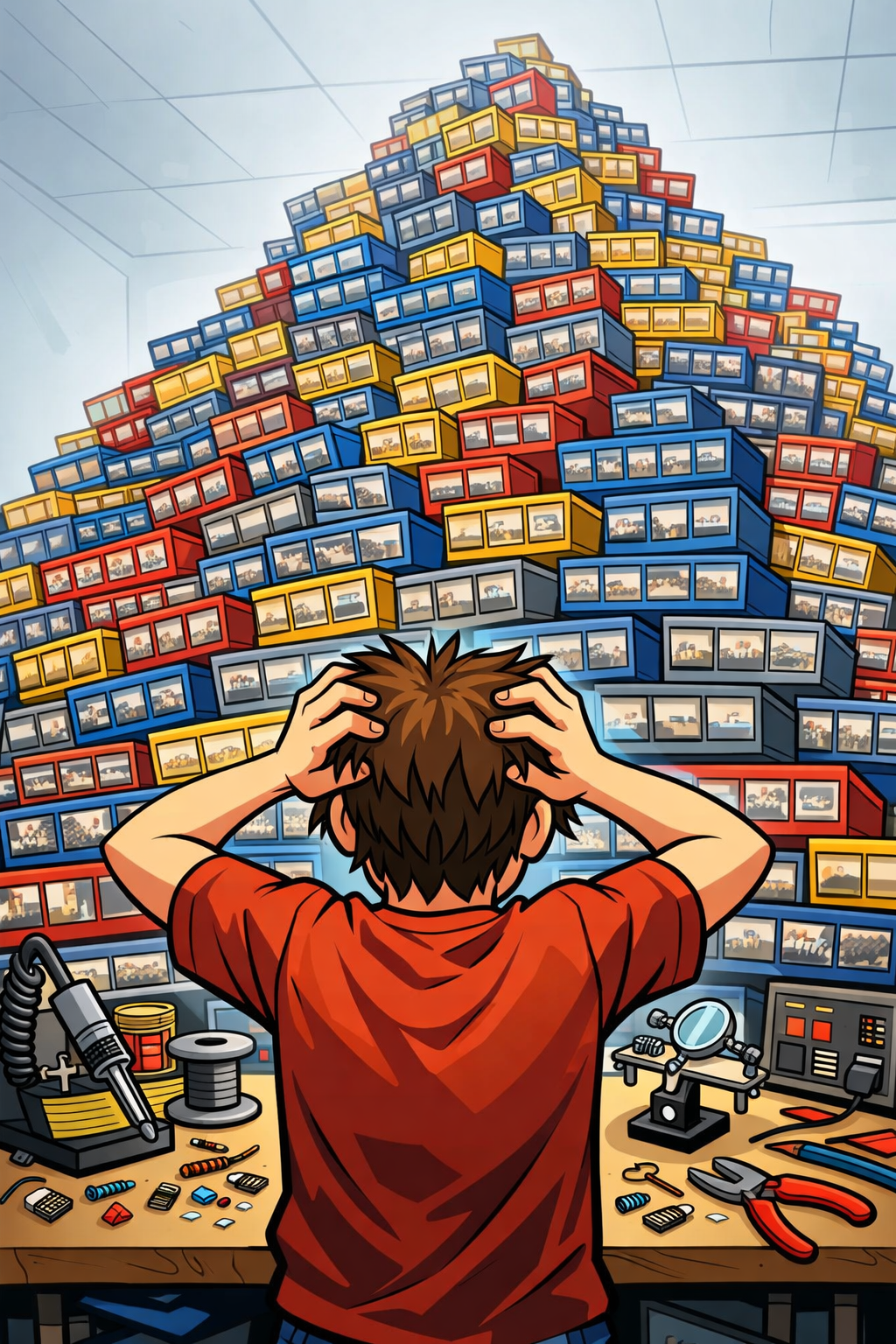
You're in the middle of a build. The iron is hot, the board is ready — and you can't find the part you need.
Where is that part?
You know you have it somewhere — but which drawer? Which bin? You stop soldering and start searching.
Out of stock, mid-project
You reach for a component and the bin is empty. No warning, no alert — just a dead stop and a delayed project.
Hours lost organizing
Spreadsheets, sticky notes, memory. None of it scales. The bigger your collection, the more time you waste just finding things.
No visibility across projects
Multiple projects share the same parts. Without a central system, you double-order or run short without knowing.
Your lab, mapped and searchable
Bintainer mirrors your physical storage in software. Every drawer, shelf, and compartment — visible and searchable from anywhere.
Visual Storage Mapping
See your entire lab as an interactive 2D/3D grid. Every drawer, shelf, and compartment — mapped exactly as it sits on your bench.
Instant Part Locator
Mid-soldering and need a 10K resistor? Search, and the grid highlights exactly which drawer and compartment to open. No guessing.
Supplier Integrations
Search and import components from DigiKey, Mouser, and other suppliers. Part data, pricing, and specs populate automatically.
Reports & Analytics
Low stock alerts, category distribution, inventory value, and movement timeline — all at a glance.
Quick Actions
Add, take out, move, and restock components with minimal clicks. Designed for lab speed.
Per-User Categories
Each user organizes their catalog their way. Create custom category trees that make sense to you.
How Bintainer organizes your lab
Bintainer mirrors your physical storage in software. Here's how we model your components — from a single drawer to an entire lab.
Bins — The Unit of Storage
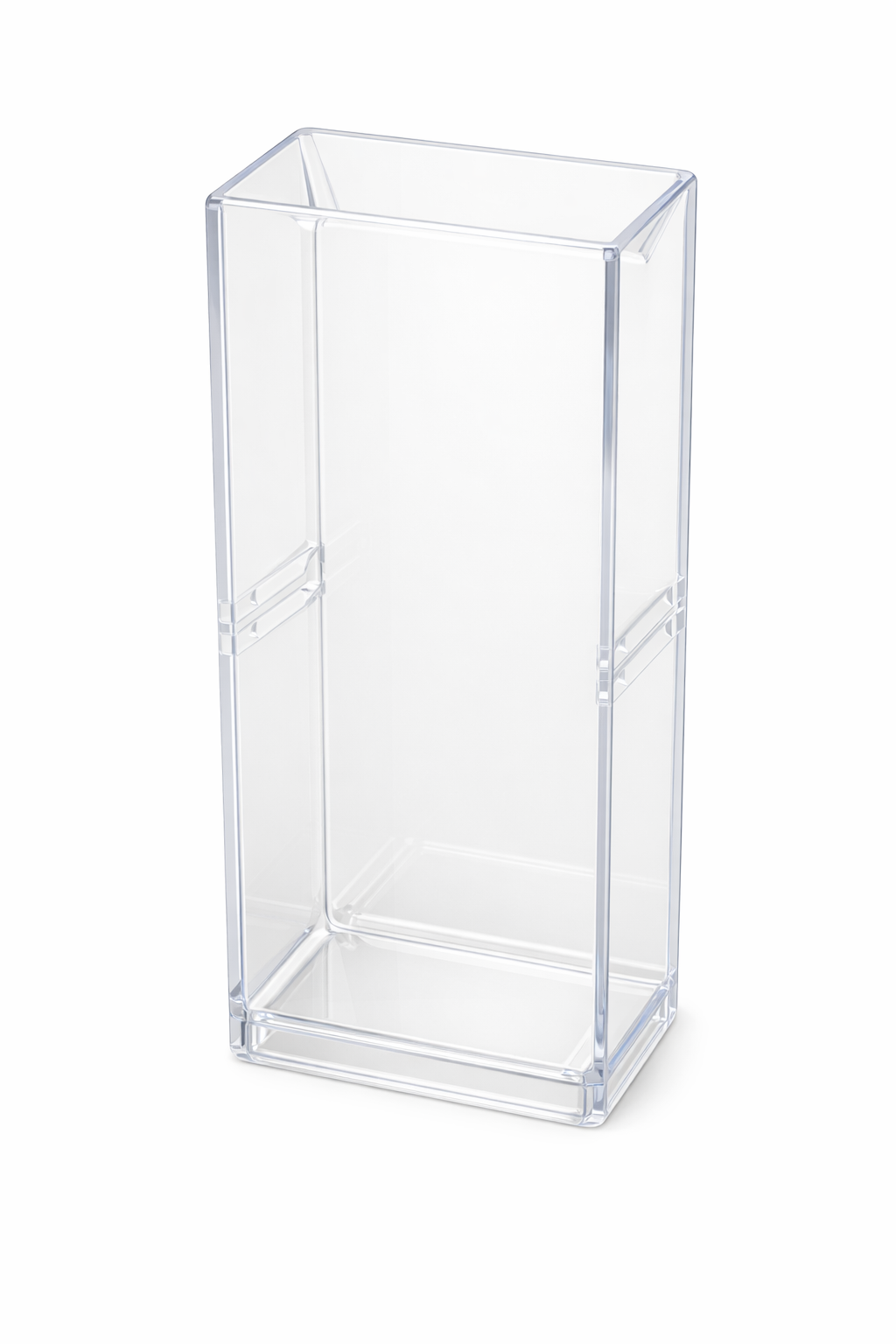
Every component lives in a bin. A bin is a single physical drawer that you can pull out, fill with parts, and slide back in. Think of it as one slot in your organizer.
Compartments — Subdivide Your Bins
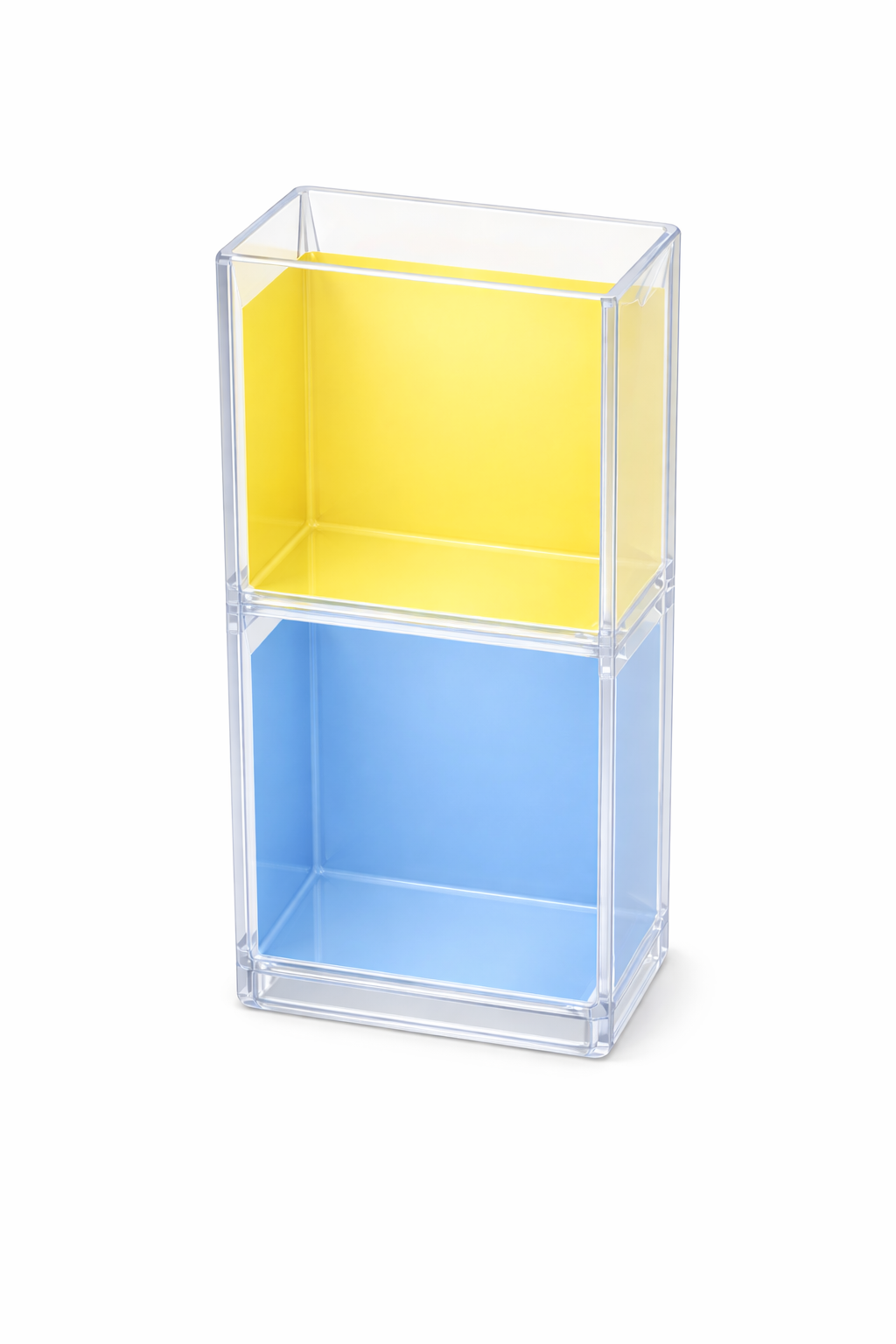
Each bin can have one or more compartments — separate spaces within the same drawer. This lets you store multiple component types in a single bin, each in its own section.
Storage Units — Group Related Components
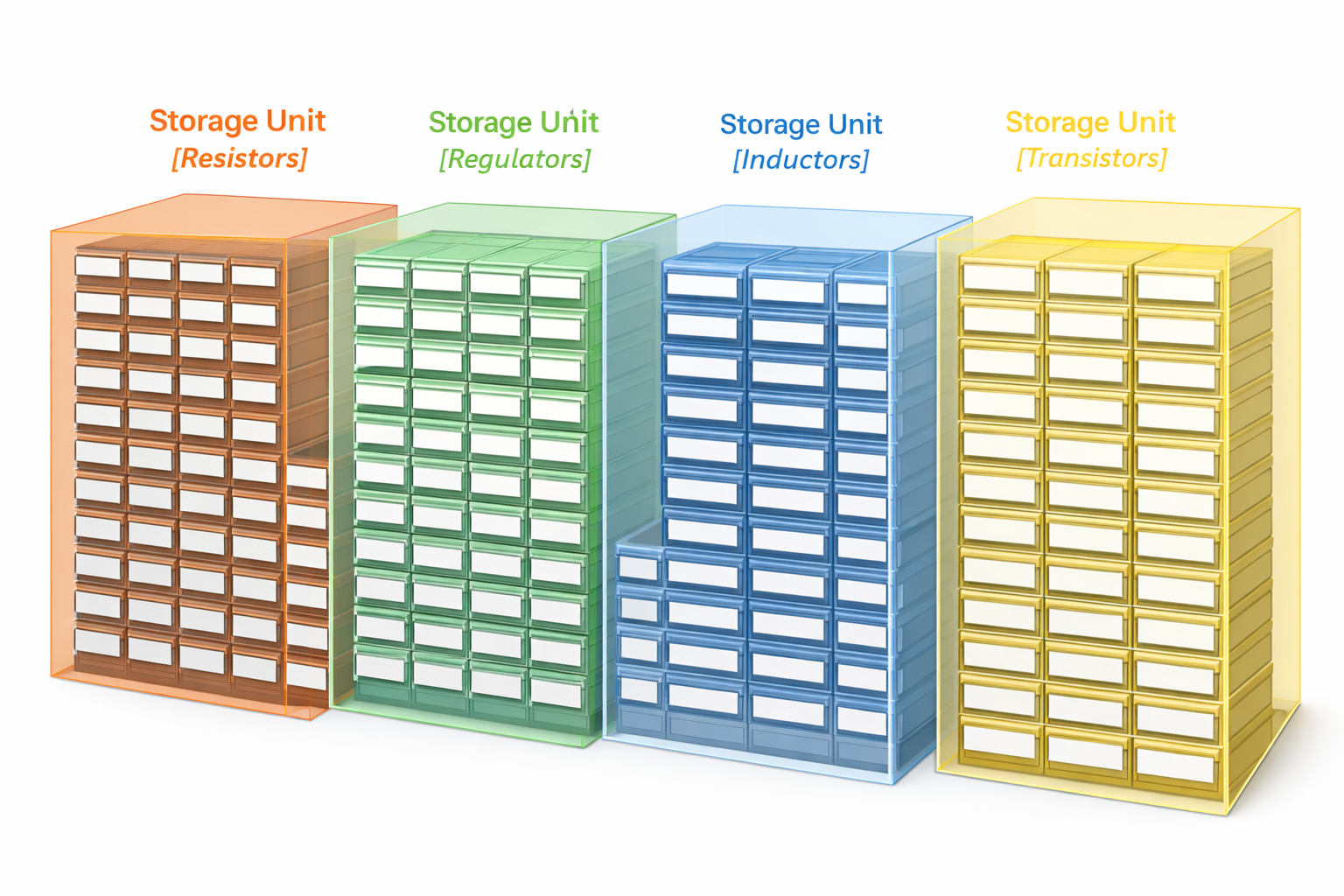
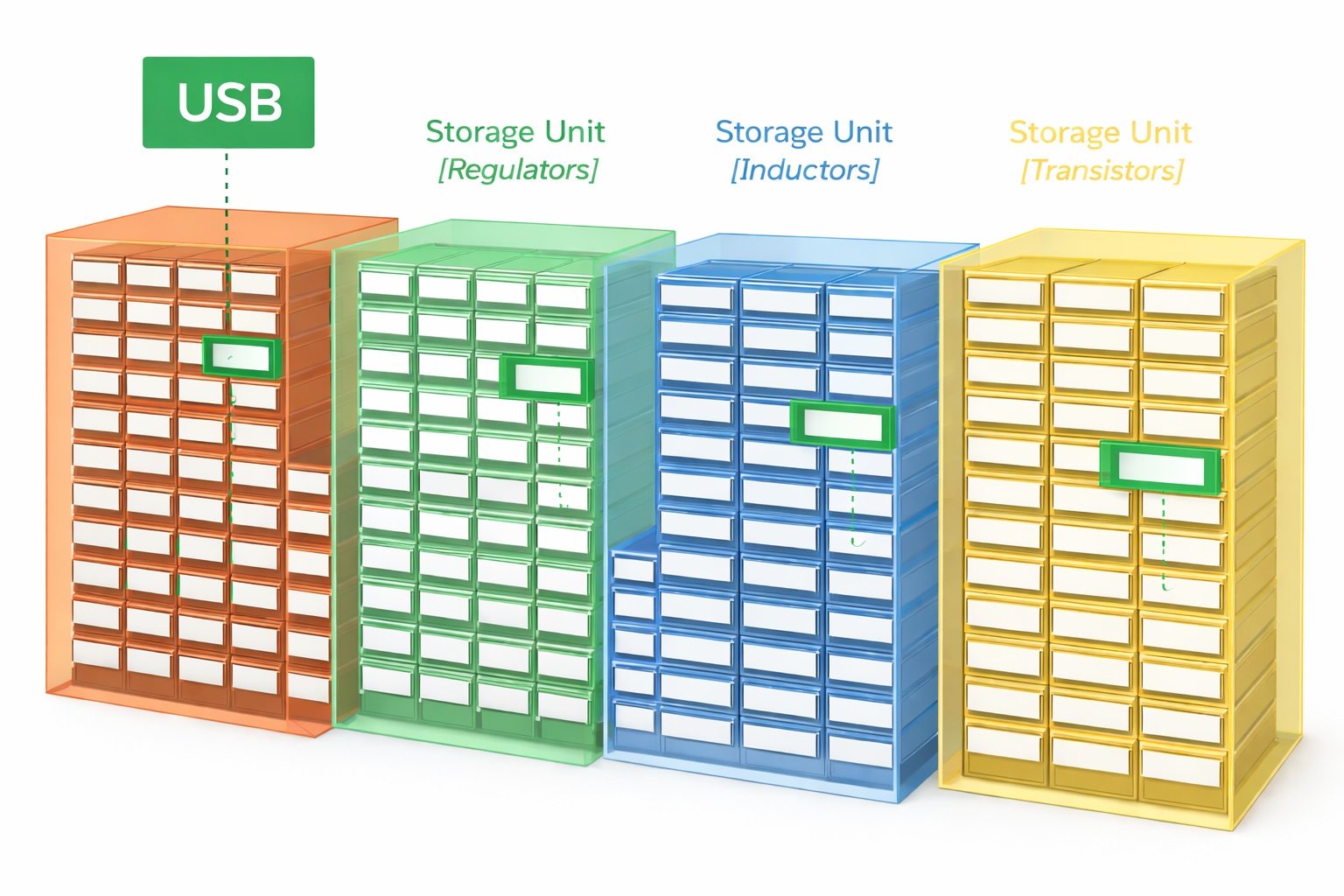
A storage unit is a block of bins bundled together — like a Resistors cabinet, a Capacitors organizer, or a Transistors drawer set. Each unit has a grid of rows and columns.
Labels — Know What's Inside
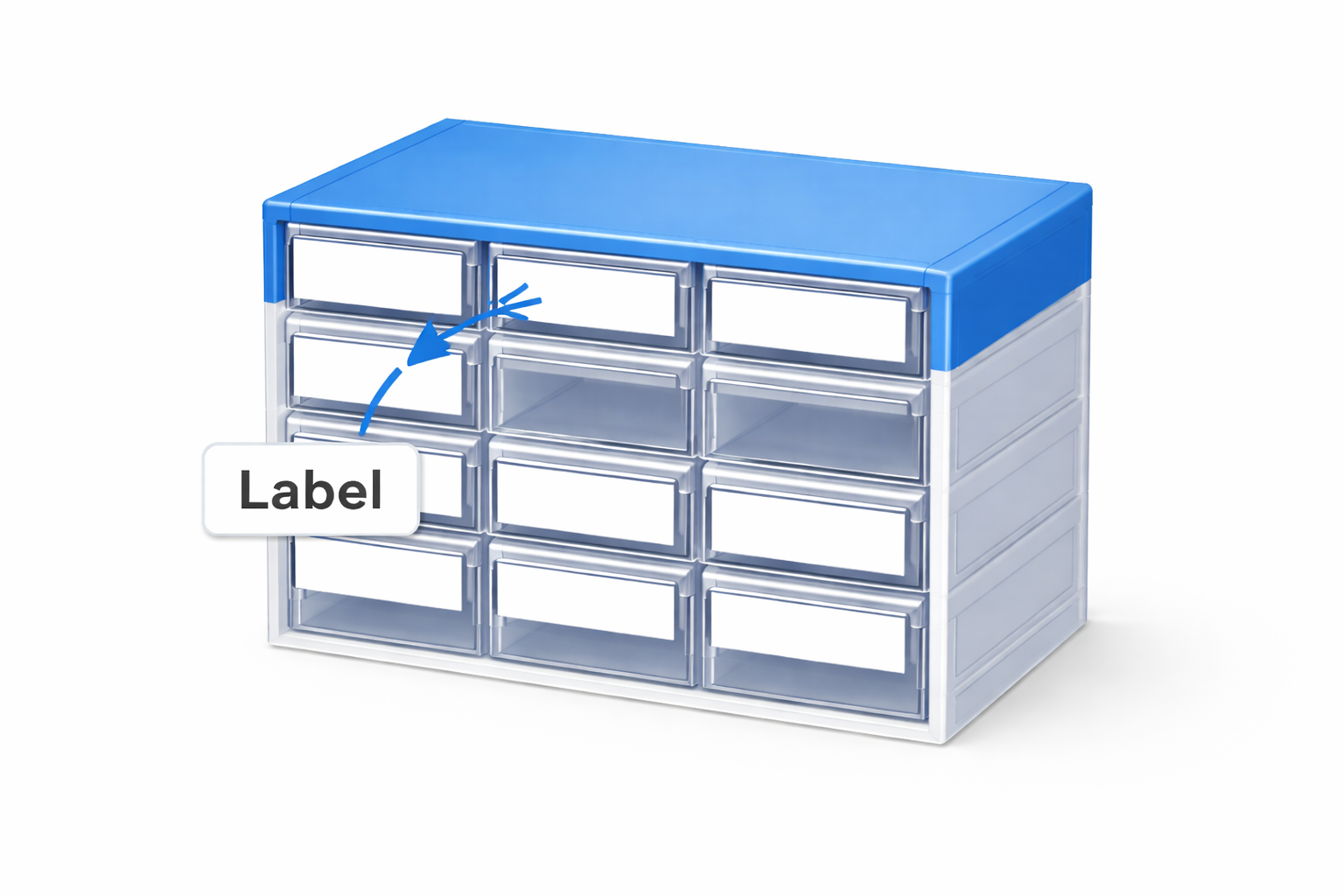
Each compartment gets a label — a sticker on the bin that makes its content visible at a glance. Even when a compartment is empty (zero stock), the label stays so you know what belongs there.
Tags — Group Across Storage Units
Sometimes related components live in different storage units. Tags let you logically group them — search by tag and find all matching components instantly, no matter where they're stored.
How Bintainer compares
Different tools for different needs. Bintainer is purpose-built for one thing: helping you find components by where they physically are.
 Bintainer Bintainer | PartsBox | Part-DB | |
|---|---|---|---|
| Primary Focus | Visual spatial location | Vendor SKU management | Self-hosted catalog |
| 2D/3D Storage View | |||
| Visual Part Locator | |||
| Supplier Integration | |||
| BOM Import/Export | |||
| Low Stock Alerts | |||
| Multi-User / Teams | |||
| Cloud Hosted | |||
| Self-Host Option | Planned | ||
| Free Tier | 1,000 components | 50 components | Unlimited (self-host) |
| Open Source |
Comparison based on publicly available information as of April 2026. All tools have unique strengths.
Simple pricing
Start free with 1,000 components. Upgrade when you need more.
Free
For hobbyists and home labs
- 8 Storage Units
- 1,000 Bins
- 1,000 Components
- 10 Projects
- 14-Day Activity Log
- Community Support
Pro
For serious makers and engineers
- 25 Storage Units
- 5,000 Bins
- 5,000 Components
- 5 Team Members
- DigiKey Import
- BOM Import/Export
- Advanced Reports
Team
For teams and organizations
- Everything in Pro
- 20 Team Members
- Unlimited Storage
- Unlimited Bins & Components
- API Access
- Dedicated Support
Lifetime License
Pay once, use forever. We're working on a one-time purchase option for hobbyists who prefer not to subscribe. Get notified when it launches.
Born in a university lab
Bintainer started in 2017 as an internal tool at X-Lab, Bogazici University in Istanbul. Our electronics lab had thousands of SMD components across dozens of storage organizers, and no reliable way to find anything quickly.
Spreadsheets didn't capture where parts were physically stored. Existing tools tracked stock counts but couldn't tell you which drawer to open. So we built something that could — a visual map of every bin, compartment, and component in the lab.
After years of daily use by real technicians and researchers, we rebuilt it from the ground up as a modern web application and opened it to the public. The core idea hasn't changed: when you need a part, Bintainer shows you exactly where it is.
Built for people who build
Whether you're an electronics hobbyist with a home lab or a team managing thousands of components, Bintainer scales with you.
Electronics Labs
University and R&D labs with thousands of SMD resistors, capacitors, and ICs.
Makers & Hobbyists
Home workshops and makerspaces where every drawer needs a label.
Small Manufacturing
Production lines that need to track stock levels and reorder points.
Soldering & Assembly
Mid-task and need a part? Locate any component instantly without leaving your bench.
Ready to find parts faster?
Start for free with 1,000 components. No credit card required.
Create Free AccountQuestions? Reach us at [email protected]